Getting started
What is Rig?
Rig is a data context & automation platform. It lets you use internal data inside Claude Code, Cowork, or Rig's own web app. It understands your internal data and lets you chat to all the data from your CRM, usage, contracts, finance, and build automations, reports, or even internal "apps" or workflows that need data access.
Where Rig sits with your tools
Rig sits between your warehouse and your AI tools (Claude, Cursor, ChatGPT, custom agents). Rig adds the context layer that explains what tables mean, how they join, and who has access to what data, and serves it to your AI tool over MCP.
Your Teams
RevOps · CS · Sales · Finance · Leadership
AI Tools
Claude · Cursor · Custom agents
Business Tools
HubSpot · Notion · Slack
RIG
Rig
Governed access · Shared context · Audit trail
Data Warehouse
Your source of truth
Getting set up on Rig
- Log-in to app.rig.so via Google SSO
- Go to
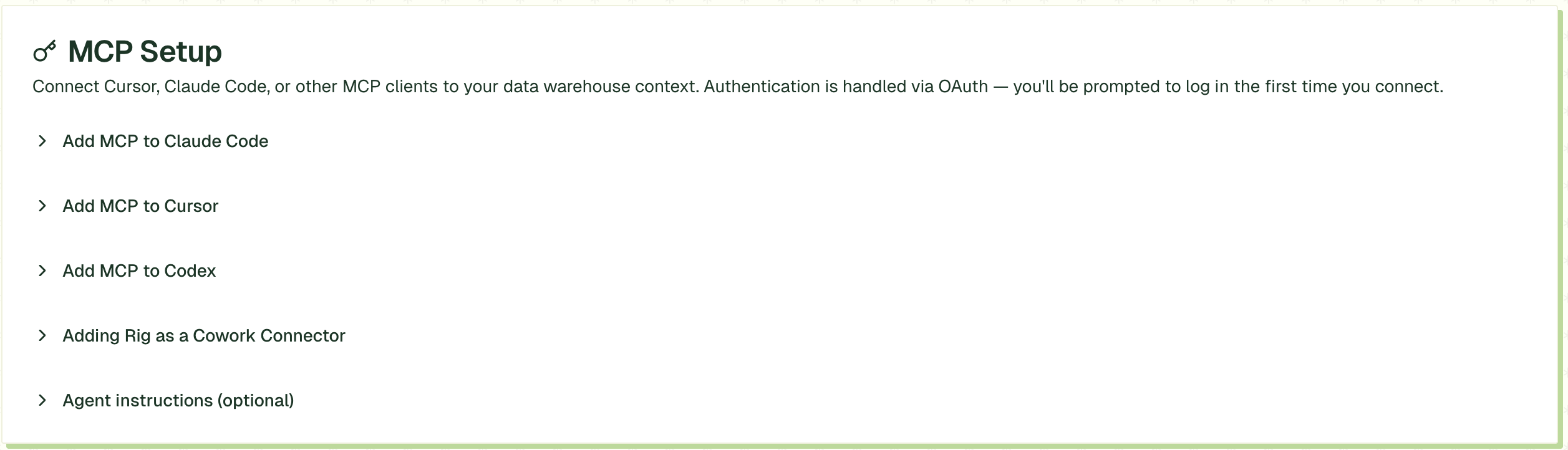
Settings>MCP Set-Upand follow the instructions to configure your Claude MCP
When to use Rig (vs when not to)
Use Rig when…
- It touches governed business data (revenue, churn, pipeline, invoicing, CRM-derived data)
- It needs to be reused (weekly reports, standard packs, consistent metric definitions)
- It needs auditability (what query ran, who ran it, when)
- It needs access control (not everyone should see everything)
- Many people will run it (shared CS / Sales workflow)
Prefer Claude (without Rig) when…
- It's pure reasoning / writing (docs, strategy, narrative)
- It's local prototyping (drafting SQL, sketches, experiments that won't be reused)
- It's a true one-off where governance and repeatability don't matter